
Transfer Your Music Library from One Streaming Service to Another
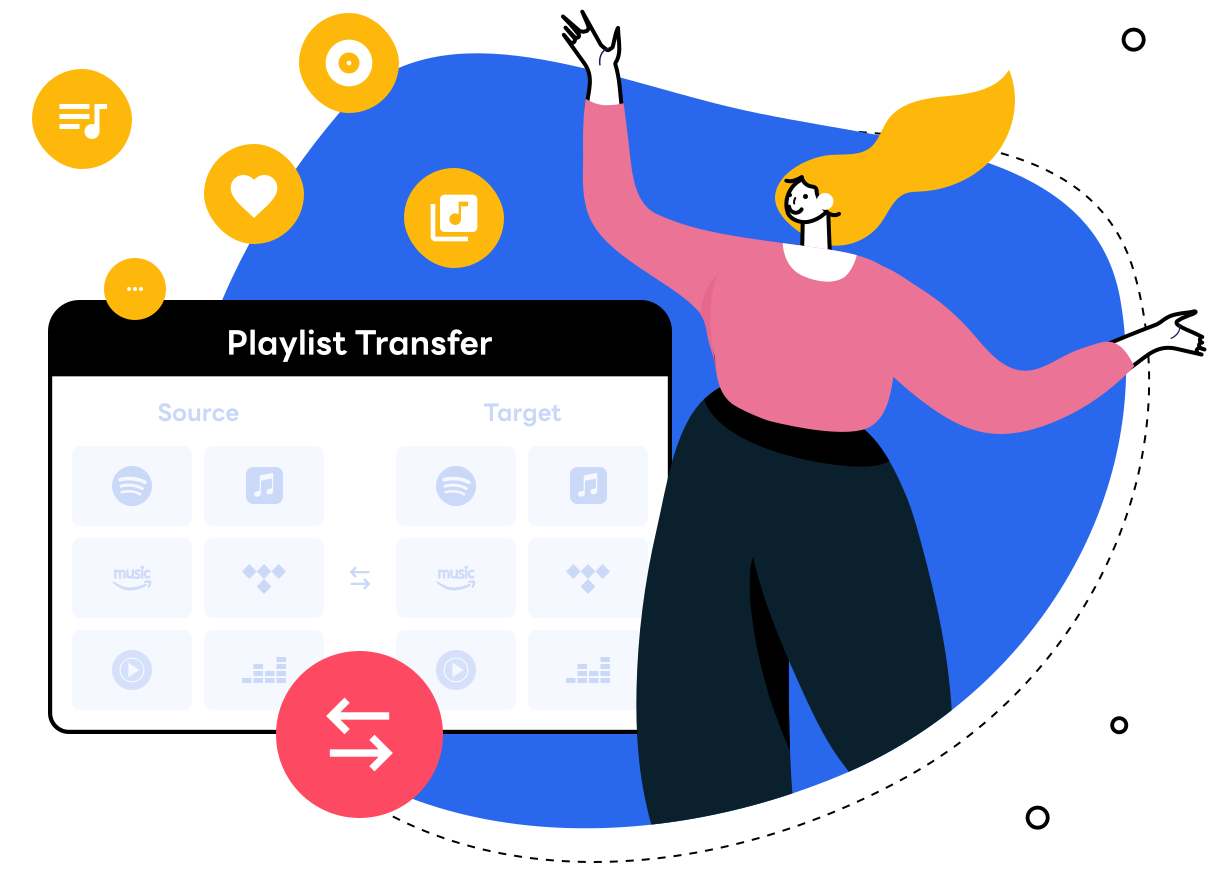
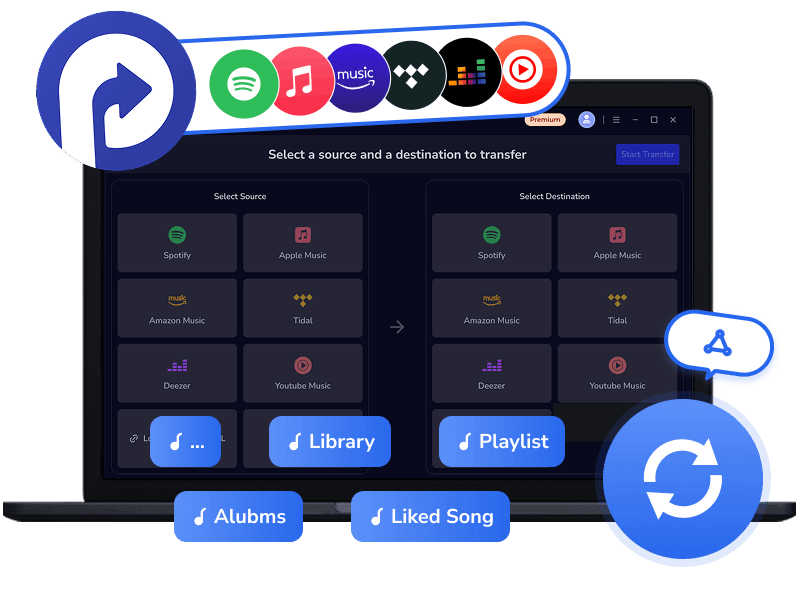
Many people hesitate to switch music streaming services because they don't want to leave their carefully built music library behind. With Kigo Playlist Transfer, that's no longer a problem. Whether you're moving from Spotify to Apple Music, Amazon Music to Tidal, or any other platform, your entire library comes with you. This tool allows you to transfer playlists across streaming platforms—including Spotify, Apple Music, Amazon Music, Tidal, Deezer, and YouTube Music—with up to 99% song-match accuracy.
Designed with simplicity in mind, transferring your playlists is as easy as 1-2-3: select your source platform, choose the playlists, albums, or liked songs you want to move, and pick the destination platform. In just a few clicks, your carefully curated music library travels with you—safe, complete, and ready to enjoy.
Bring a New Life to Your Local Playlist
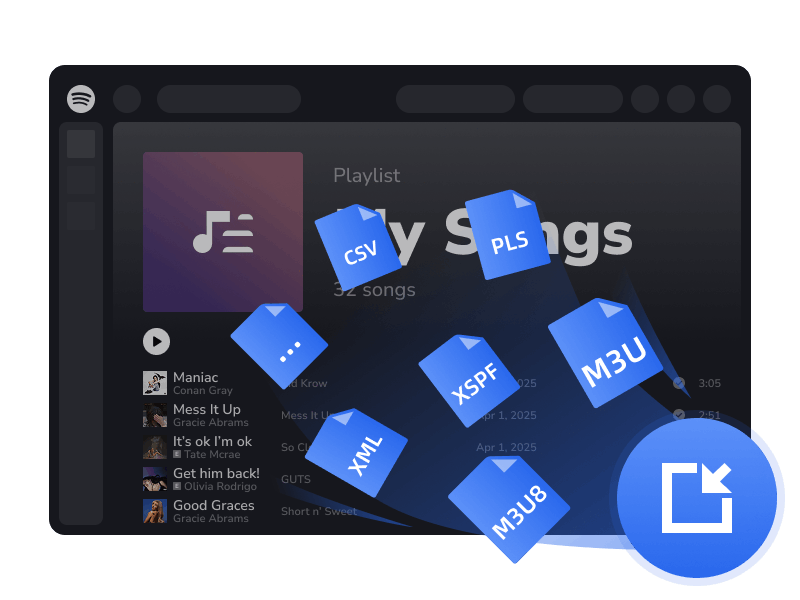
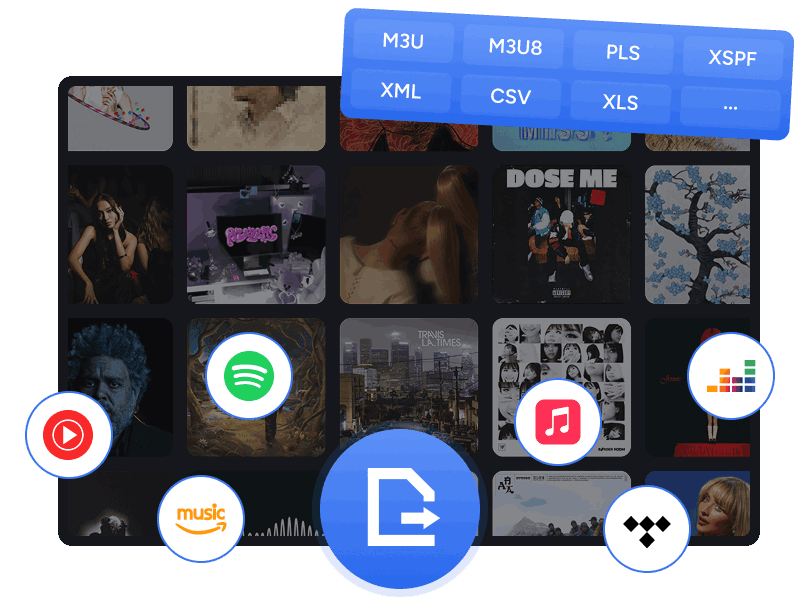
Don't let your local music library gather dust! With Kigo Playlist Transfer, you can easily bring your playlists to life—as long as your files are in M3U, M3U8, PLS, XSPF, XML, CSV, XLS, XLSX, JSON, or TXT format. Simply upload your local playlist files to your favorite music streaming platform, and Kigo will read the metadata and accurately match each song to the directory of the selected service—effortlessly and hassle-free.
Within minutes, your entire music library becomes fully streamable. Not only can you sync your existing tracks to a new music library, but you can also curate a personalized collection to enjoy.
Create Backup of Your Streaming Playlists
Don't risk losing your favorite playlists and music library—back them up with ease using Kigo Playlist Transfer. Whether it's Spotify, Apple Music, Amazon Music, Tidal, Deezer, or YouTube Music, you can export your playlists, albums, and entire library to your computer, keeping your music safe and accessible offline anytime.
- Export playlists in M3U, M3U8, and PLS for compatibility with a wide range of players.
- Save as CSV, XLS, or XLSX for easy editing and efficient playlist management.
- Support JSON, XML, XSPF, and TXT for developers or advanced use cases.
👉 Want to download all your favorite songs from major streaming service in MP3 and access offline anytime? Try Kigo Music One.
Run Smooth, Preform Stable, Work Seamlessly
Whether you're transferring a playlist with hundreds of tracks or tens of thousands, Kigo Playlist Transfer keeps your music organized quickly and efficiently, saving you hours of effort. As a professional playlist transfer tool, it delivers consistent performance you can rely on, and regular updates ensure seamless compatibility with the latest changes in streaming platforms.
With 100% local processing, flawless song matching at up to 99% accuracy, and stable performance, Kigo Playlist Transfer is a reliable solution for transferring your playlists and favorites between music services on your PC. Say goodbye to interruptions, buffering, incomplete transfers, and timeouts—your music library moves safely and smoothly every time.
What Music Fans Say about Kigo Playlist Transfer
Multi-Platform transfer, Instant playlist import, Safe playlist Backup & Rock-Solid stability.
Transfer music playlists effortlessly between major platforms.
4.9
Kigo Playlist Transfer
Moving your music between music streaming platforms is simple and straightforward. Skip the hassle and move your playlists in minutes — without the fuss.
How to Transfer Playlists Between Streaming Music Platforms?
Kigo Playlist Transfer has an intuitive interface and is easy to use for everyone. You are able to transfer music from one streaming service to another with a few clicks.
Try it Now Try it Now-
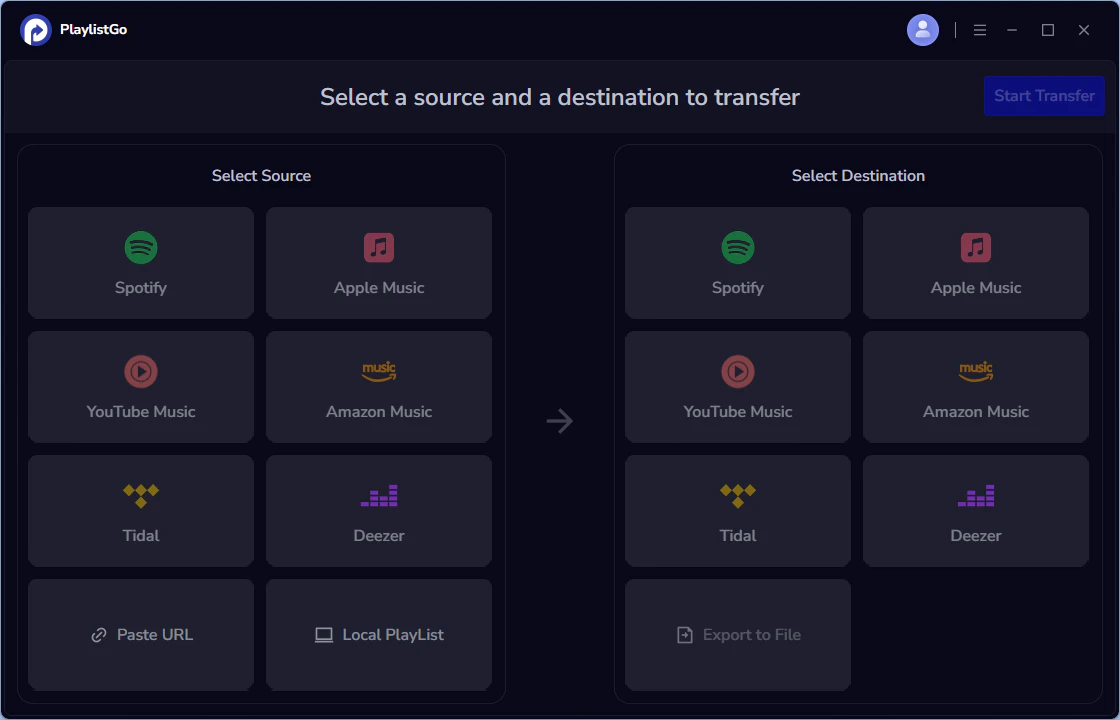
Choose a Source Platform
Choose the music streaming platform that you want to transfer playlist, then log in to your account for accessing.
-
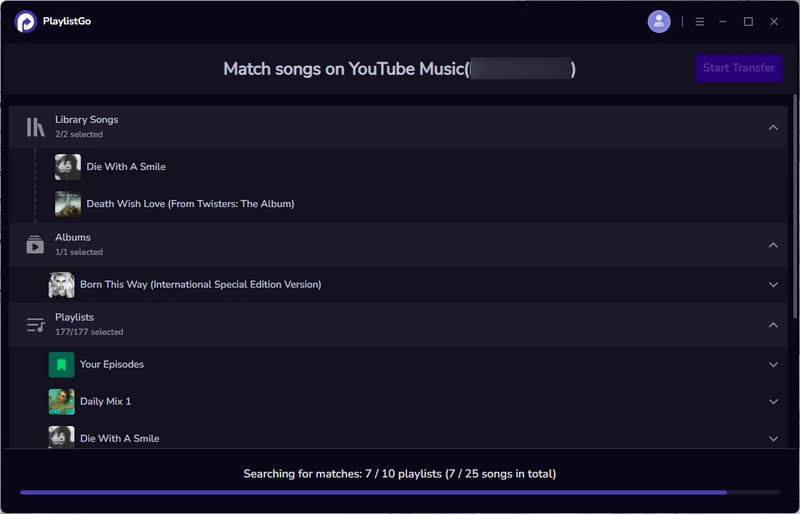
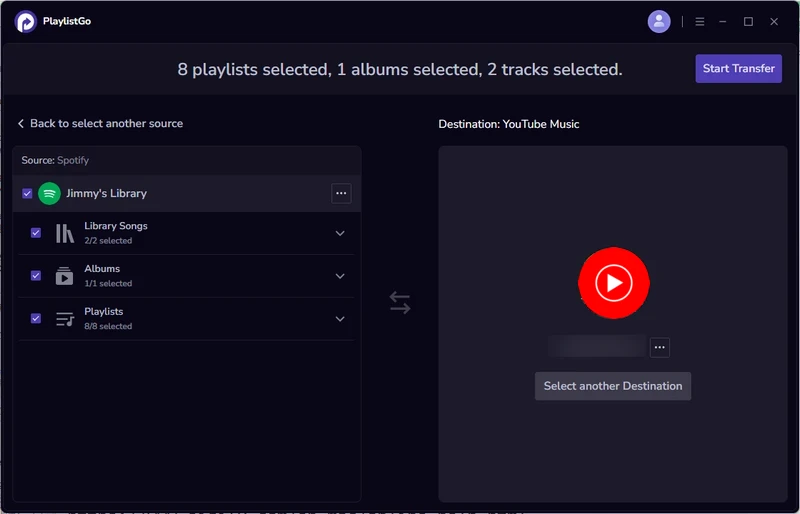
Select the Music to Transfer
Select your entire music library or pick specific playlists, favorite tracks, artists, or albums to transfer.
-
Choose a Destination Platform
Choose the music platform where you want your music to move to.
-
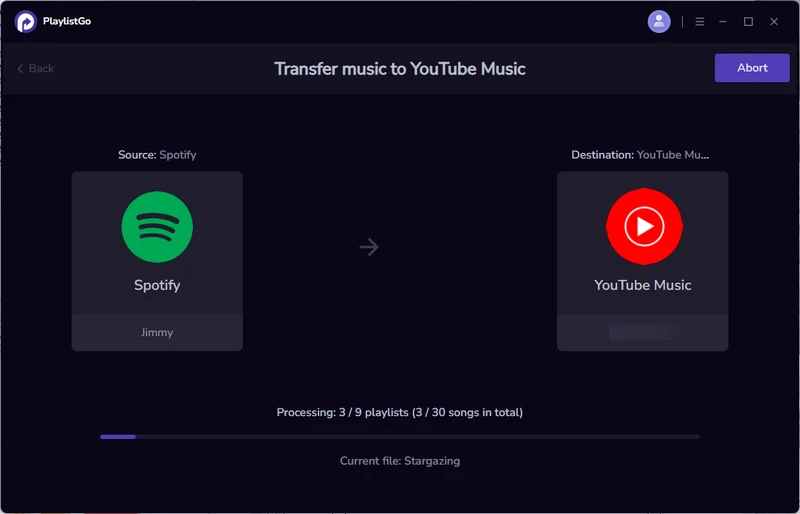
Start Transfer
Click the Start Transfer button to initiate the automatic transfer process for your playlist.
Frequently Asked Questions

Music Playlist Transfer
Sync your music collection across Spotify, Apple Music, YouTube Music, and more with unmatched accuracy.
Free DownloadFor Windows 11/10 Free DownloadFor macOS 11 or later